Protect Client Data
Safeguard tax returns, statements, payroll records, personally identifiable information, and firm files.
A plain-English guide for CPA firms, tax preparers, bookkeepers, and accounting offices evaluating managed IT, cybersecurity, WISP requirements, cyber insurance readiness, and client data protection.
Maintained by 3nerds Technology Group, serving Chicago and Boise businesses with managed IT, cybersecurity, compliance support, and proactive technology planning.
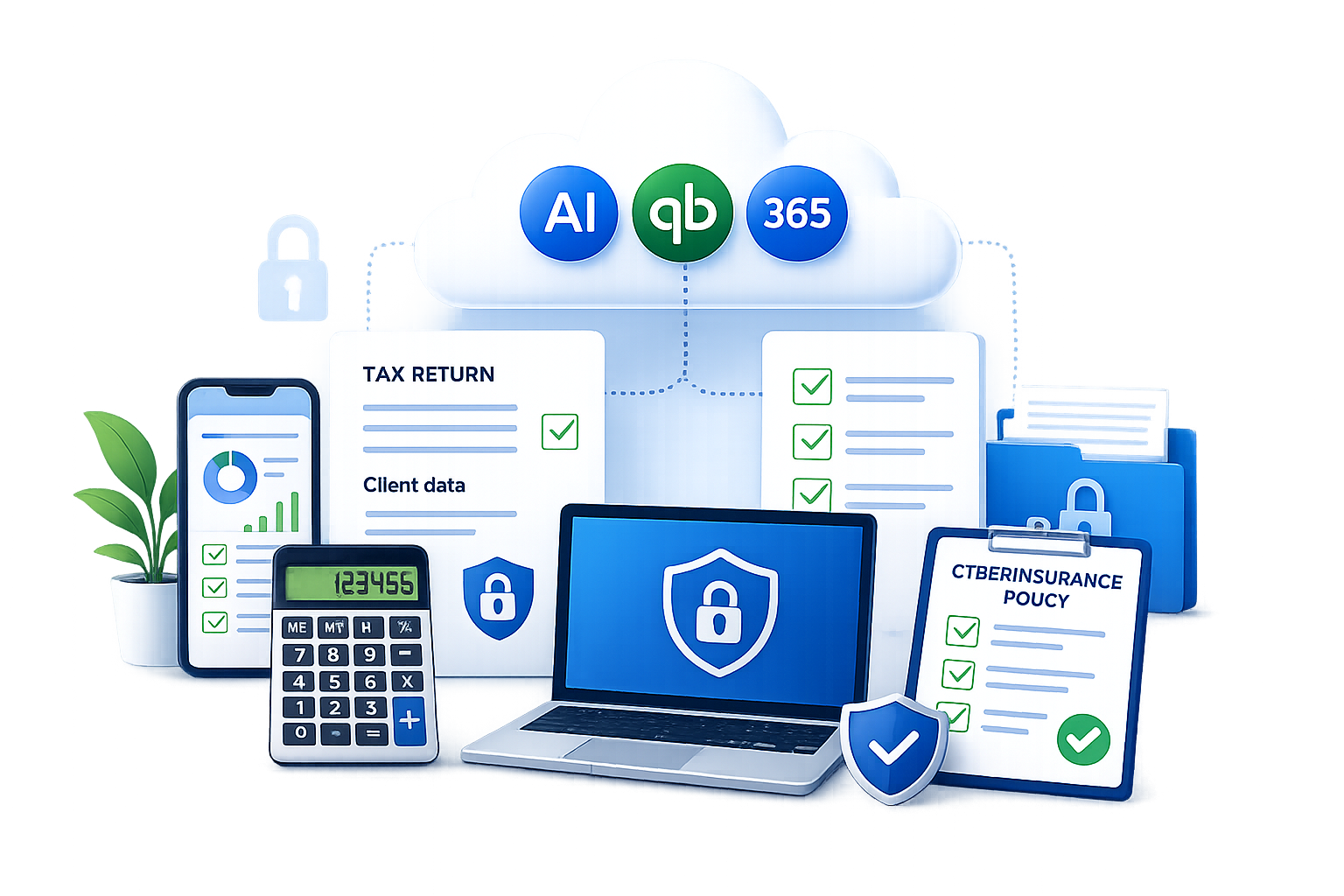
Accounting firms manage tax records, payroll data, financial statements, Social Security numbers, and client identity information. General IT support may not address the pace, privacy expectations, and seasonal pressure that shape accounting firm workflows.
Tax season also compresses decision-making. Email scams, fake invoice requests, credential theft, and rushed file sharing can create risk when deadlines are tight. The right IT plan should make secure work easier, not bury a small firm in enterprise complexity.
A practical plan treats CPA firm cybersecurity and tax preparer data security as everyday operating habits: stronger sign-ins, safer file sharing, trained employees, documented decisions, and systems that are reviewed before the pressure of filing deadlines.
Safeguard tax returns, statements, payroll records, personally identifiable information, and firm files.
Keep email, cloud apps, tax systems, and remote access reliable during busy periods.
Help document policies, safeguards, vendor access, training, and technology reviews.
Managed IT for CPA firms should combine responsive support with practical safeguards that help reduce risk and support compliance efforts.
Reliable help desk support, proactive maintenance, device management, and plain-English guidance for day-to-day technology issues.
Identity settings, mailbox security, shared drive structure, permission cleanup, retention planning, and secure collaboration.
Phishing protection, spoofing controls, secure email practices, and user training beyond basic spam filtering.
Protection and monitoring for firm laptops, desktops, and servers, including patch management and security visibility.
Secure backups, recovery planning, and periodic testing for critical files, cloud data, and business systems.
Multi-factor authentication, admin account separation, least-privilege access, and secure onboarding and offboarding.
Help prepare policy records, security review notes, WISP inputs, vendor access reviews, and cyber insurance evidence.
Regular planning conversations around risks, projects, renewals, cloud tools, AI enablement, and tax season readiness.
AI and automation planning
AI is quickly becoming part of accounting workflows, but firms should treat it as a governed business tool, not a shortcut around professional judgment. Useful AI adoption starts with clear use cases, client data rules, permission reviews, and a human review process before work is sent to clients or filed.
For CPA firms and bookkeepers, the most practical starting points are usually repetitive administrative tasks: document capture, transaction categorization, invoice creation, payment follow-up, draft client communications, research assistance, month-end close tracking, and internal knowledge search.
Firm personnel may use approved AI and automation tools only for approved business purposes. Confidential client information, tax documents, payroll records, Social Security numbers, and financial statements may not be entered into unapproved AI tools. AI-generated work must be reviewed by a qualified person before it is used for client advice, tax preparation, reporting, filing, or external communication. The firm will periodically review approved AI tools, user access, vendor terms, retention settings, and security controls.
Accounting firm IT checklist
Use this checklist when evaluating internal processes or comparing IT support providers.
These gaps are common in small finance offices. Addressing them early can help reduce risk and make client data protection easier to maintain.
Planning questions
These questions help firm owners evaluate IT providers, internal controls, and security priorities before busy season makes every technology problem more expensive.
Look for support around email reliability, tax software access, secure file sharing, remote work, deadline pressure, and fast response when staff are serving clients.
A good partner can help gather evidence, record decisions, and connect WISP language to real controls while leaving legal and compliance interpretation to qualified advisors.
Applications commonly ask about MFA, backups, endpoint protection, email security, employee training, access reviews, and incident response planning.
The firm should have a defined process for password management, secure file exchange, admin account separation, vendor access, and account removal when staff leave.
Accounting firms should decide which AI tools are approved, what client data is prohibited, who reviews AI-generated work, and how the policy is explained to staff.
Quarterly reviews, security training, backup testing, vendor reviews, and proactive planning help keep the IT plan current as the firm, tools, and risks change.
Last updated: May 12, 2026
Start with authoritative sources, then translate the guidance into specific controls, responsibilities, and review habits inside your firm.
Publisher: Internal Revenue Service.
Why it matters: This publication is a practical WISP starting point for tax professionals. Use it to understand what a written plan should cover, then map each item to the tools, people, and recurring processes your firm actually uses.
View ResourcePublisher: Internal Revenue Service.
Why it matters: This article helps tax preparers think through data security planning in practical terms. It is useful when assigning responsibilities, reviewing remote work, and documenting how client information is protected.
View ResourcePublisher: Federal Trade Commission.
Why it matters: This plain-English FTC resource explains the intent of the Safeguards Rule and the types of controls covered. It can help firm owners connect policy language to real safeguards such as access controls, training, monitoring, and vendor oversight.
View ResourcePublisher: Federal Trade Commission.
Why it matters: This is the official legal resource for the rule itself. Use it when you need to verify the rule language, then involve legal or compliance counsel to interpret how it applies to your firm.
View ResourcePublisher: AICPA & CIMA.
Why it matters: This profession-focused resource helps accounting leaders understand how GLBA and Safeguards Rule expectations intersect with accounting practice operations. It is a helpful bridge between official rule language and CPA firm management.
View Resource
3nerds Technology Group is a Technology Success Partner serving Chicago and Boise businesses with managed IT support, cybersecurity, compliance support, secure email, backups, Microsoft 365 and Google Workspace management, and AI enablement.
For accounting firms, 3nerds helps translate technical and compliance-related requirements into practical systems, documented processes, and ongoing support. The goal is to help support compliance efforts, help prepare for cyber insurance questions, and help reduce technology risk without unnecessary complexity.
Need help turning these requirements into a practical IT and security plan for your firm?
Schedule a CPA Firm IT Review Visit 3nerds Technology Group